Simplifying Project Management for Packaging Files
Still using emails and spreadsheets for packaging feedback and approvals? WebCenter Go workflow automation software automates every step from design to print with complete transparency and security.
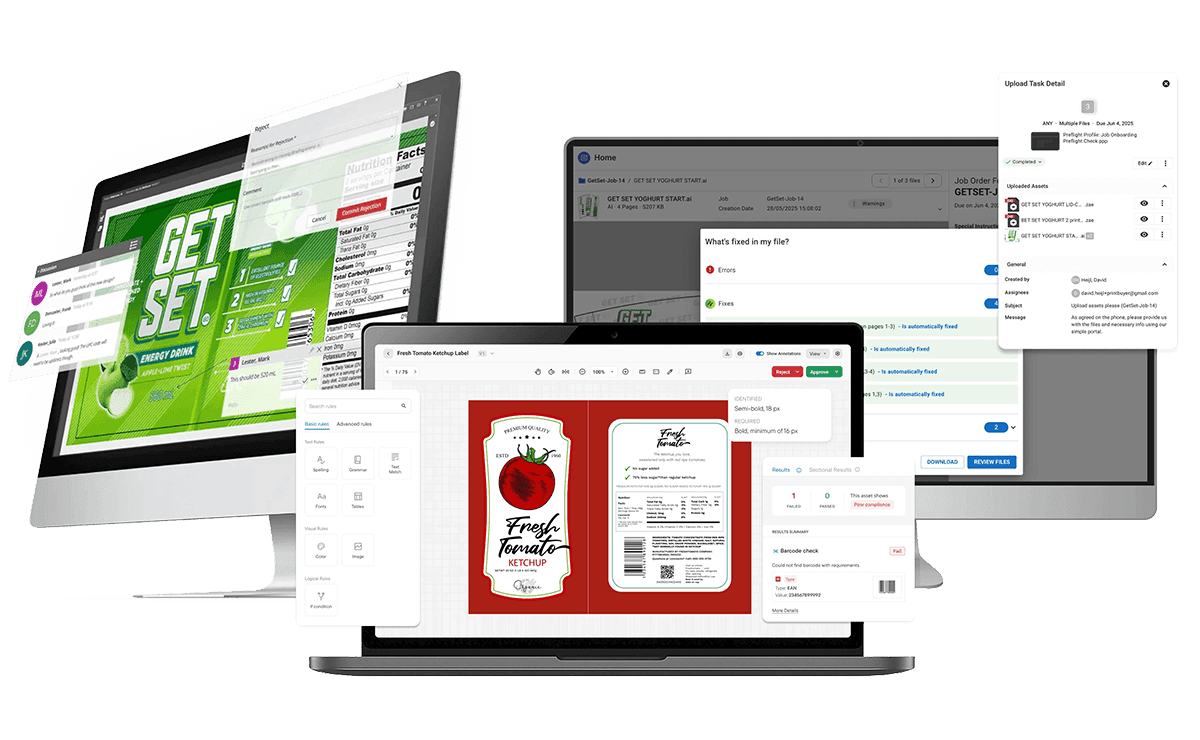
Enjoy Operational Excellence at Every Step
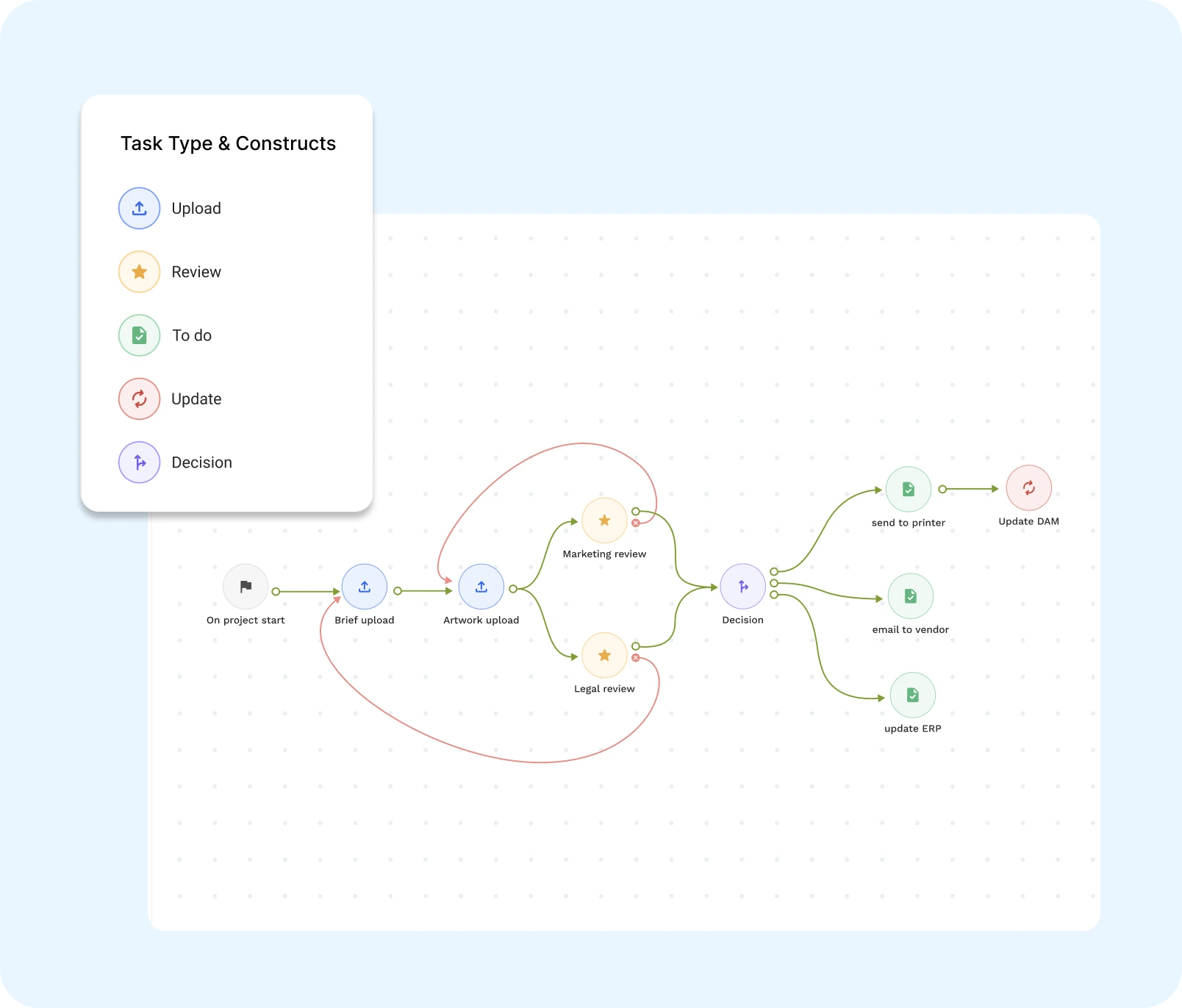
Precise, Yet Flexible Workflows
Built for unique project goals and flexible enough to adapt to your packaging lifecycle.
- Step-by-step visibility: Structure workflows into distinct, trackable steps, with blinking indicators showing you what’s in progress.
- Automated actions: Set up tasks to run automatically and reroute the workflow based on their status.
- Reroute workflows on the fly: Skip steps or go back. Simply retrigger any part of the workflow mid-way without relying on preconfigured steps. Adapt in real time as priorities change.
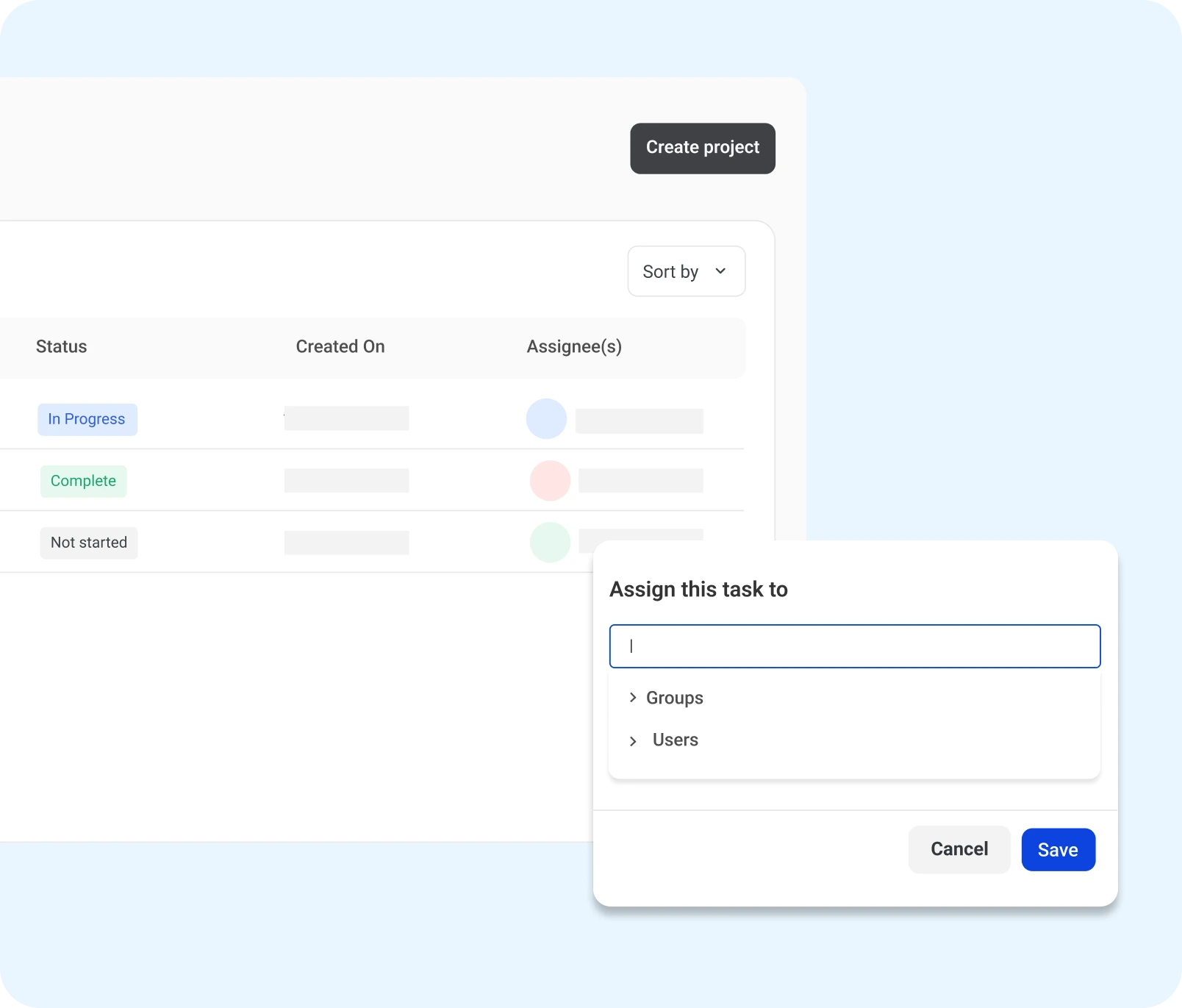
Automate Task Assignment
Improve task efficiency with a flexible approach to task assignment.
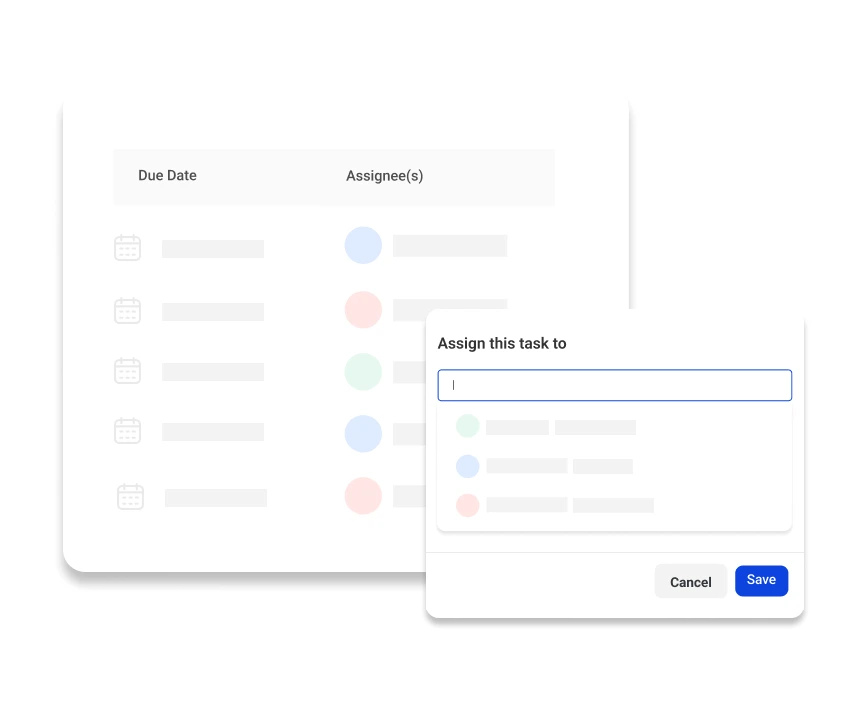
- Team-based assignment: Assign tasks to specific groups by organizing members into teams.
- Pre-mapped ownership: Auto-assign tasks to the right team/member with saved project templates.
- Dynamic reassignment: Easily reassign tasks when someone’s unavailable or when the task evolves.
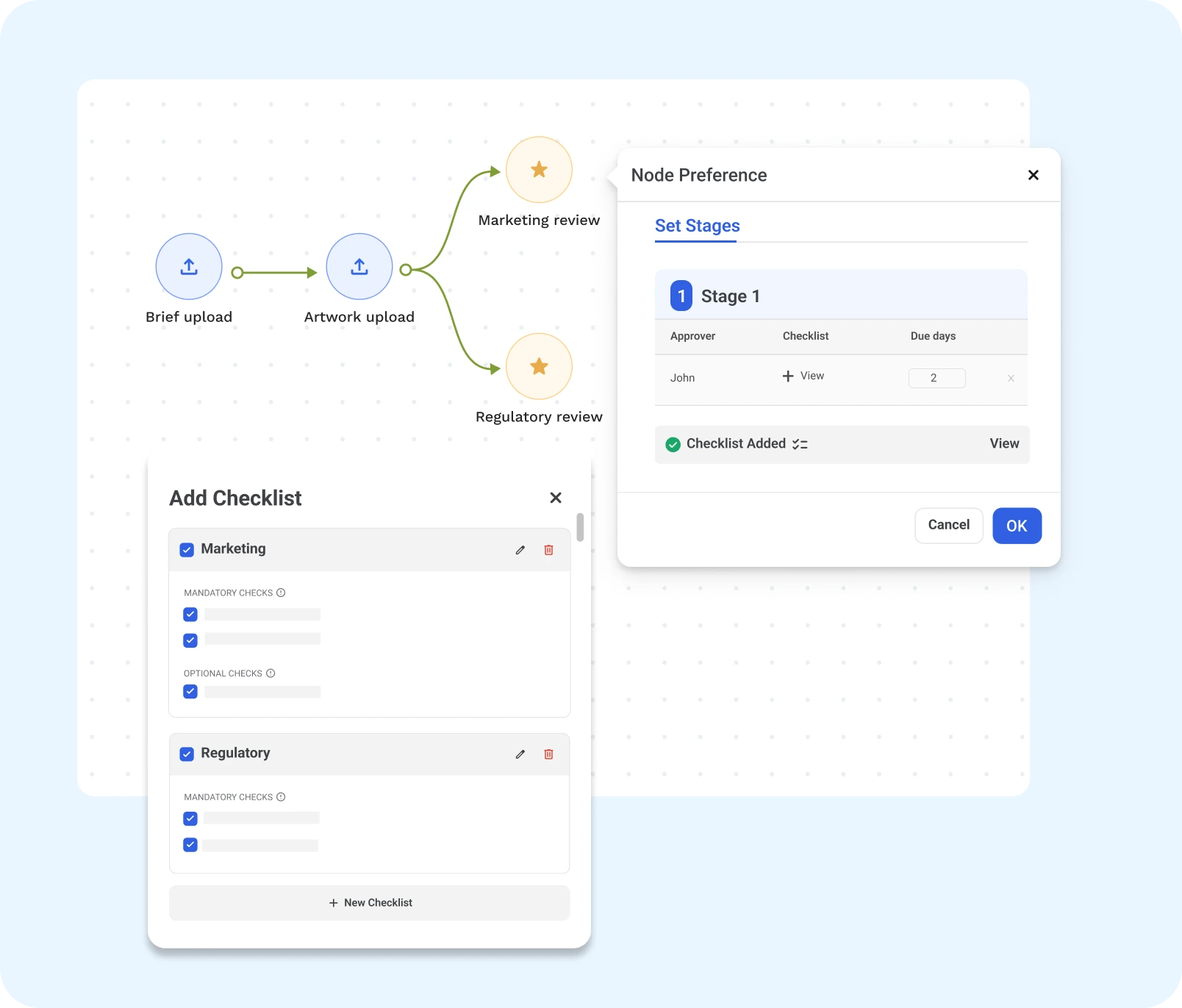
Conditional Workflows Made Simple
Workflows that adapt to real-time conditional triggers, making task progression a breeze.
- Dynamic routing: Build dynamic paths that come into play when certain conditions are met using decision tasks.
- Smart branching: Bypass steps, return artwork for changes, or run parallel tasks, improving workflow efficiency at every step.
- Automated task progression: Control how each task progresses by automating conditional triggers. Reduce manual intervention and get to the finish line faster.
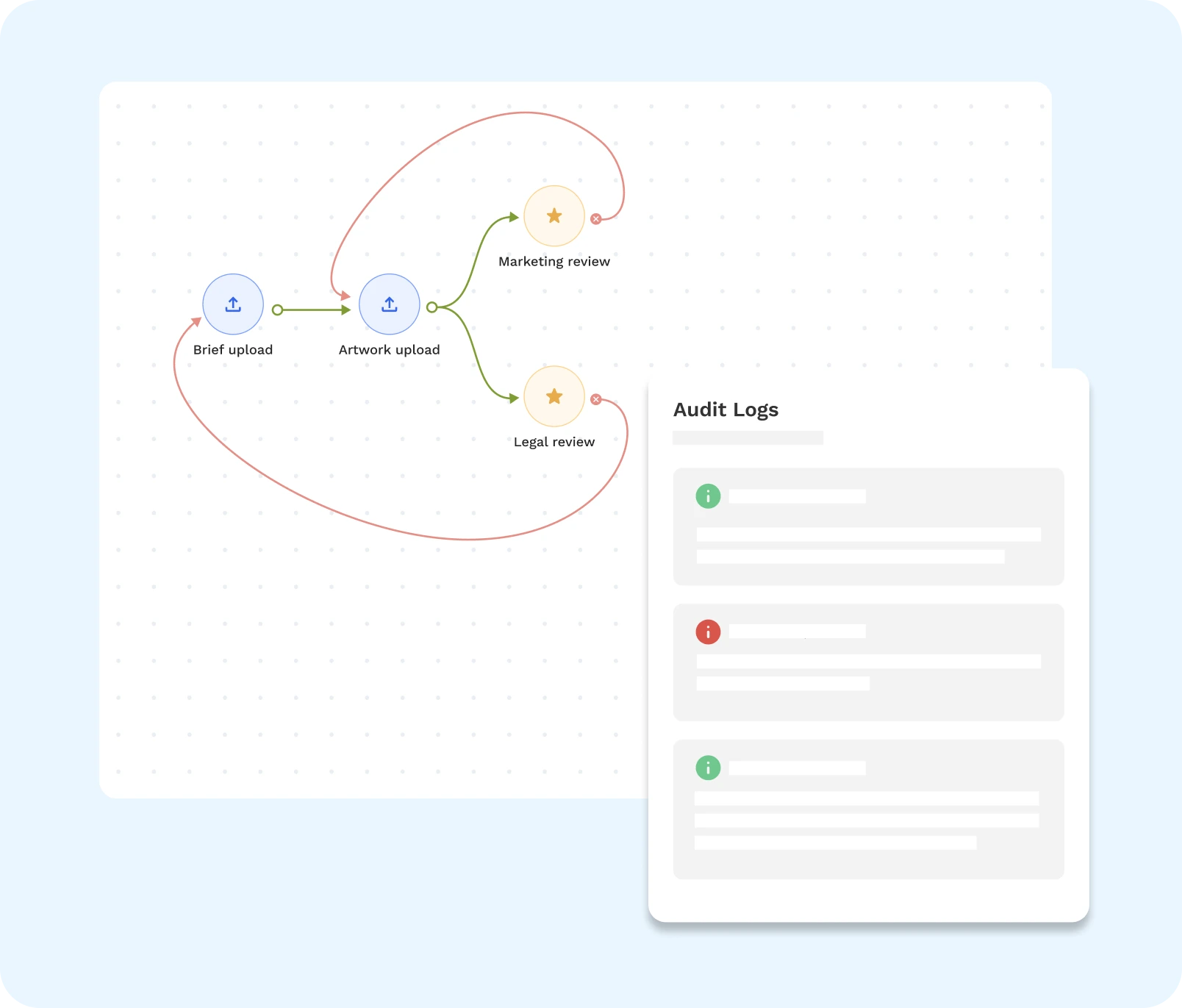
Automate Rework and Approvals
Not every task is approved on the first go, and that’s okay.
- Automated rejection loops: : Send files back to the previous step for edits and re-approval.
- Smart routing: Easily reassign tasks, either to the original assignee or someone better suited for the job.
- Clear audit log: Track every file revision and any other action for complete visibility.
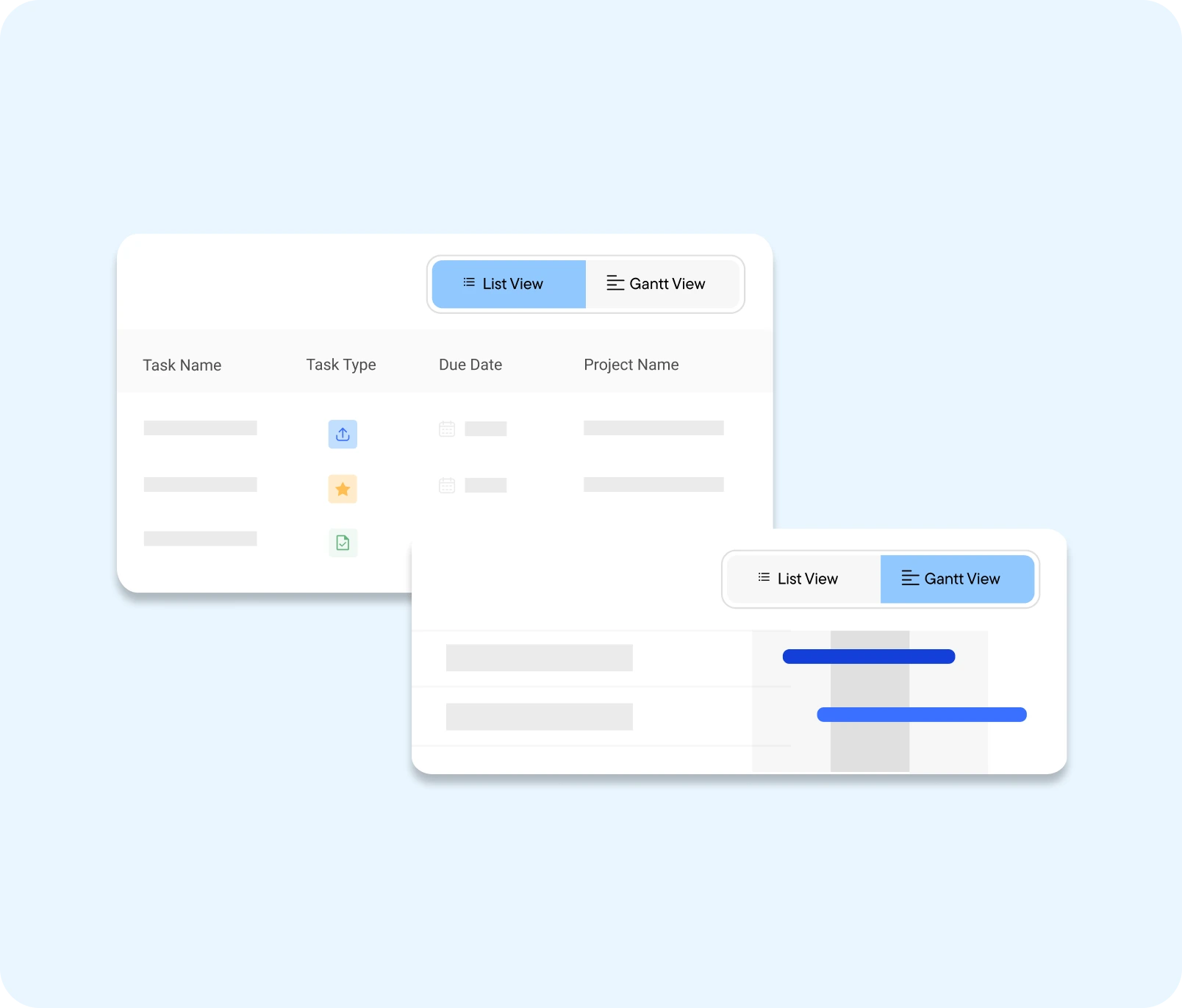
Smarter Setup. Clearer Tracking.
Build workflows faster with complete visibility into every project, task, and artwork.
- Reusable templates: Build projects from scratch or use saved project templates.
- Gantt/List view: Switch between multiple views to manage projects your way. Get a bird’s eye view of projects, tasks, and deadlines.
- Visual file tracking: See the exact path each file takes in real-time—whether it moves forward or skips steps—without digging into audit logs.
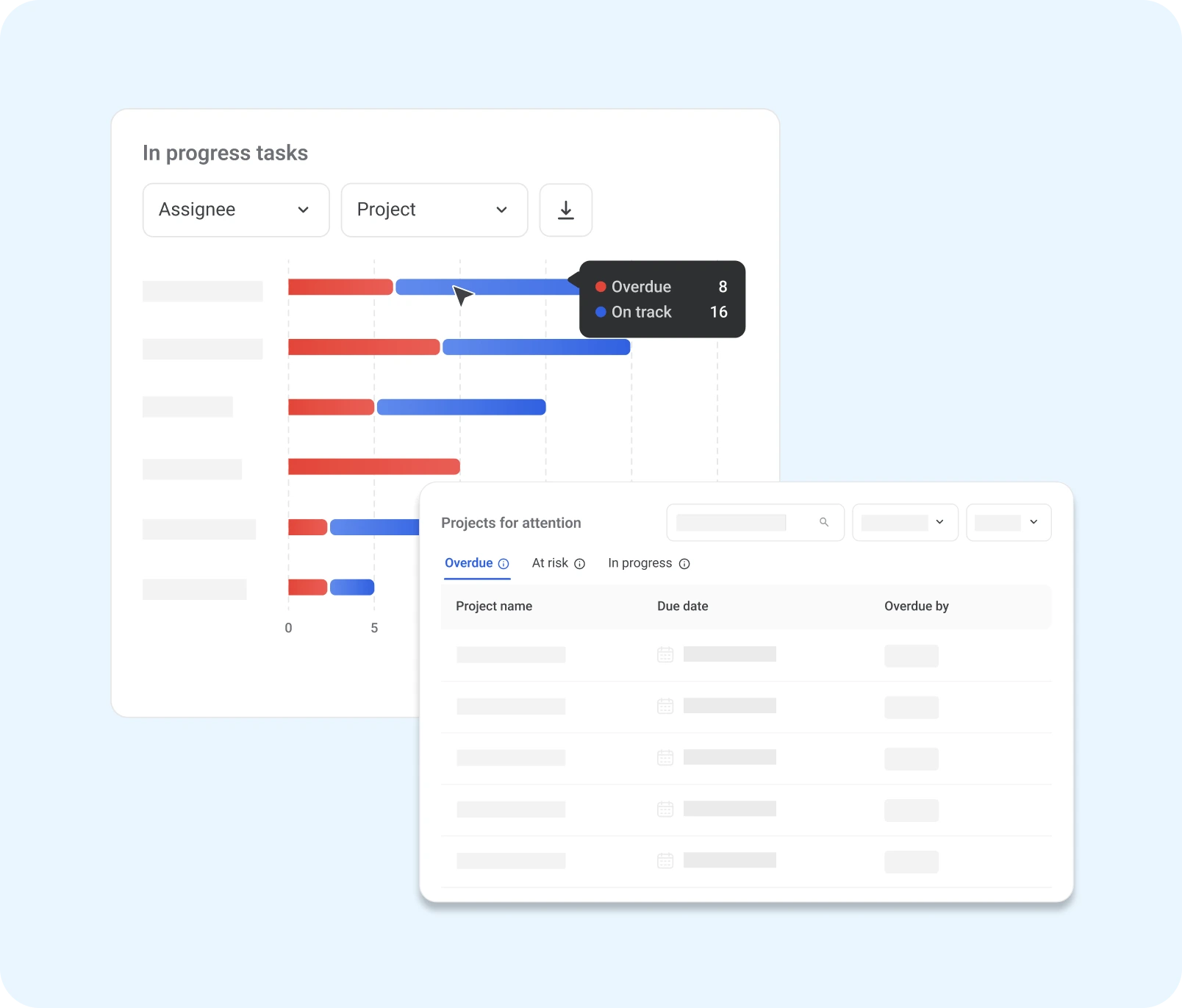
Workflow Insights
Get complete visibility into your packaging operations with real-time data.
- Track key KPIs: Keep tabs on metrics like task completion times, project delays, and artwork revisions.
- Visual dashboards: Instantly view on track, completed, and at-risk artwork projects.
- Spot bottlenecks instantly: See projects and tasks that need your attention, without digging manually. Get a clear view of delays, right from your dashboard.
Why Your Packaging Workflow Deserves an Upgrade
Simplify Task Management
View and manage all projects in a clean list to track tasks and deadlines instantly.
Improve Project Efficiency
Trigger actions, skip steps, or run parallel tasks to move packaging projects faster.
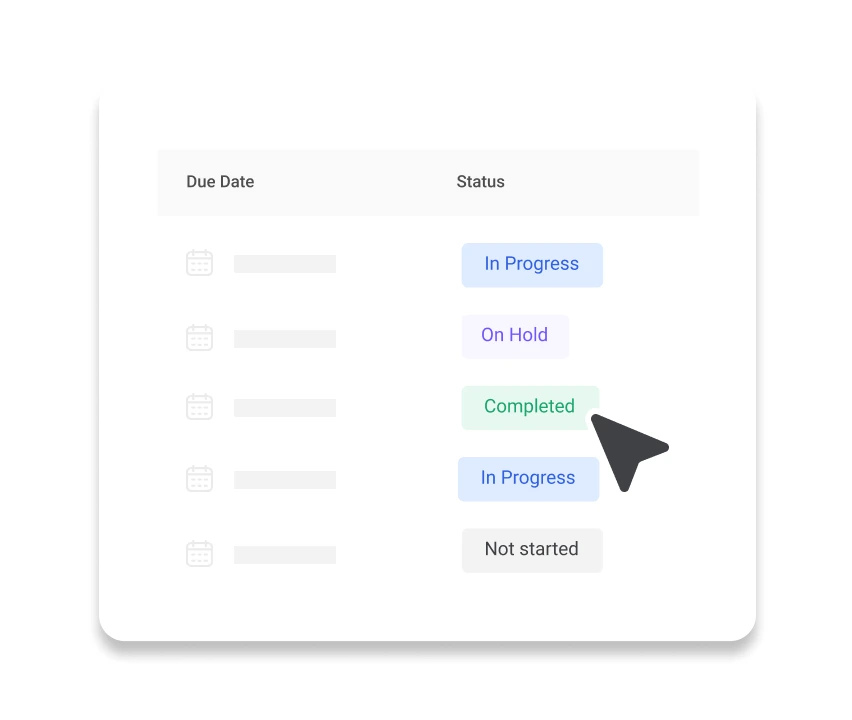
Keep Everyone in Sync
Real-time updates and status indicators show exactly where each project, task, and file stands.

Reduce Artwork Iterations
Structured workflows and rejection loops help teams get it right with fewer revisions.
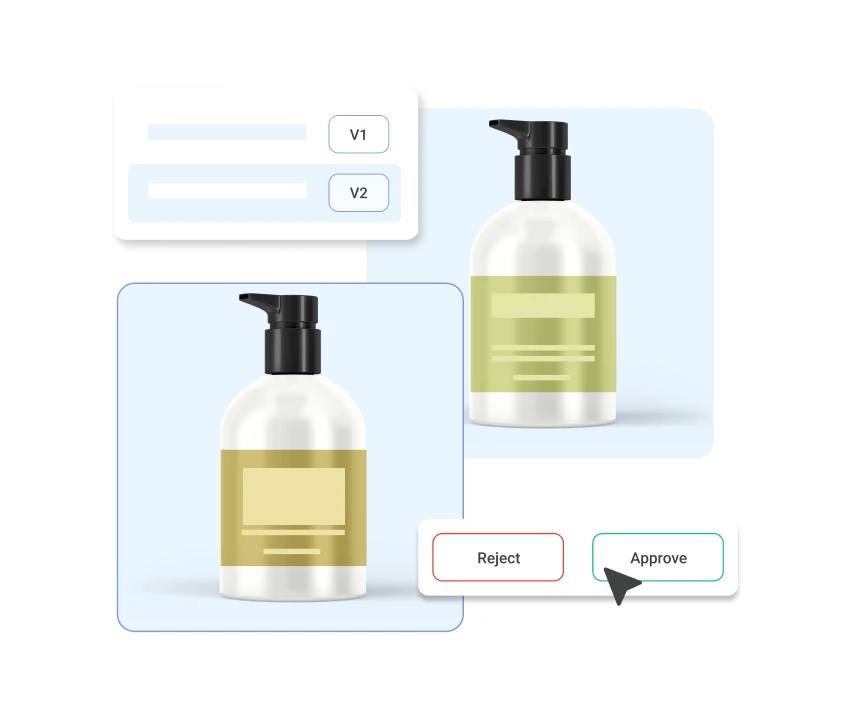
Scale with Confidence
Use reusable templates and smart routing to handle large volume of SKUs with less manual work.
Gain Full Visibility
Monitor progress, track KPIs, and spot bottlenecks with clear insights into your packaging workflow.
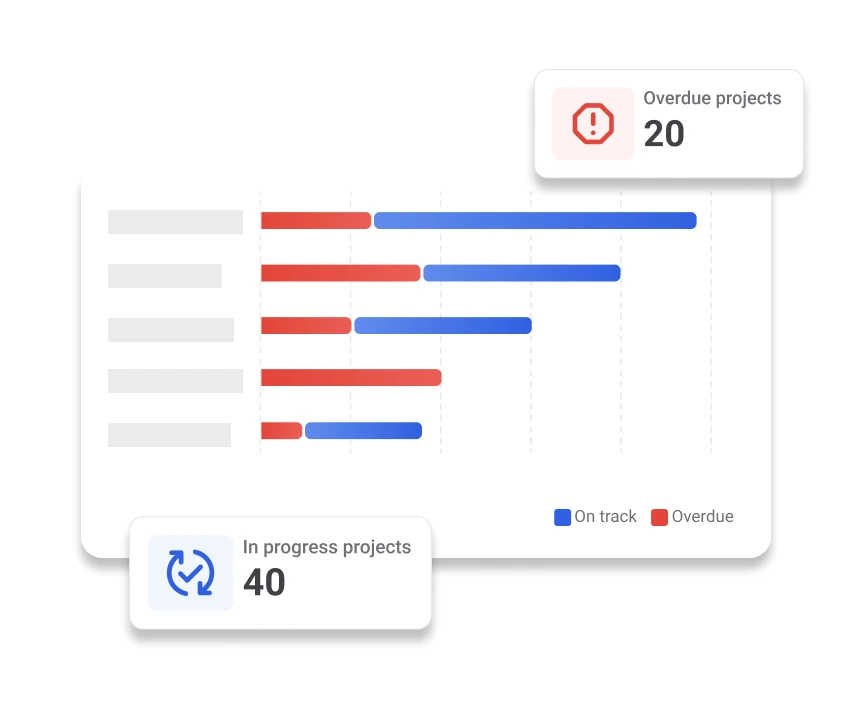
The Right Tool for the Right Team
Project & Packaging Managers
- Assign tasks based on team roles and project needs.
- Get real-time visibility and insights with list/Gantt views and dashboard analytics.
- Use conditional flows to route tasks, skip steps, or run parallel reviews, adapting to project complexity.

R&D & Product Development Teams
- Create custom workflows with review stages so your team moves faster without missing important steps.
- Auto-route files for review or rework based on feedback.
- Reassign tasks instantly if someone is unavailable, keeping time-sensitive projects moving.
Designers
- Receive clear, role-assigned tasks with detailed context, deadlines, and feedback all in one place.
- Structured review process keeps feedback organized and actionable, so you’re not hit with vague comments.
- Avoid confusion with version control and structured task flow, reducing rework, confusion, and delays.
Compliance & Regulatory Teams
- Set up conditional checks checks to trigger regulatory reviews at the right stage, skipping manual follow-ups.
- Maintain a complete audit trail of every approval, comment, and task reassignment.
- Route non-compliant artwork back for edits without derailing the workflow.
Marketing & Brand Managers
- Ensure brand consistency by embedding brand review steps in every template.
- Collaborate across teams with centralized feedback loops and conditional paths for final creative sign-off.
- Track progress of creative tasks and artwork in real time.
Supply Chain & Operations Teams
- Access finalized files on time for quick execution.
- Reduce last-minute chaos with workflows that scale efficiently during product launches and demand spikes.
- Access tasks in a clear list view with visibility into which projects are at risk or delayed.
Why WebCenter Go?

Need Advanced Automation and Integrations?
If your business is global and you need an enterprise-grade packaging management solution with advanced automation and deep integrations, WebCenter Enterprise has you covered.

Dealing with Multiple Artwork Iterations?
See what difference an optimized packaging workflow can make.